
Asda Rewards: Everything You Need to Know about ASDA’s Loyalty Scheme
Asda Rewards is a free loyalty programme that lets you earn real money credit on your grocery shopping. Instead of collecting points, you earn Asda Pounds straight into a digital cash pot and convert them into vouchers to spend at Asda.
Here is everything you need to know about how it works, how to set it up, and how to get the most from it.
Key Takeaways
- Asda Rewards is a loyalty program allowing customers to earn cashback in the form of Asda Pounds, not points, every time they shop in participating Asda stores or via online shopping.
- You earn Asda Pounds into a cashpot and can convert your cashpot into money-off vouchers (up to £100 at a time) to use on grocery shopping, fuel at selected sites, and other Asda services.
- Getting started takes minutes: download the Asda Rewards app, register or log in with an Asda account, scan your digital card at checkout, and start to earn Asda Pounds straight away.
- The main ways to earn include everyday spending, completing missions (worth 50p to £5 each), milestone missions, and selected partner offers. Focus on your normal basket rather than buying things purely for missions.
- Your cashpot balance expires six months after earning it, and vouchers have their own expiry dates, so check the app regularly and spend rewards before they disappear.
What Is Asda Rewards and How Does It Work?
Asda Rewards is a digital rewards app from Asda that lets you earn pounds, not points, on everyday grocery shopping, fuel at selected Asda petrol stations, and other services. There is no plastic loyalty card. Everything runs through the Asda Rewards app and its digital rewards card, which you scan at the checkout in store or link to your online shopping account.
The concept is simple. Each Asda Pound equals £1 off a future shop, collected in a personal Asda Rewards cashpot shown in the app. You shop at Asda, earn Asda Pounds into your cashpot, then convert them into digital vouchers to save money on future shops. Users earn pounds, not points, through the app, and cash rewards can be redeemed both in-store and online at Asda. When the scheme launched nationally in August 2022, it covered all 633 Asda stores and attracted over 1 million sign-ups in its early months.
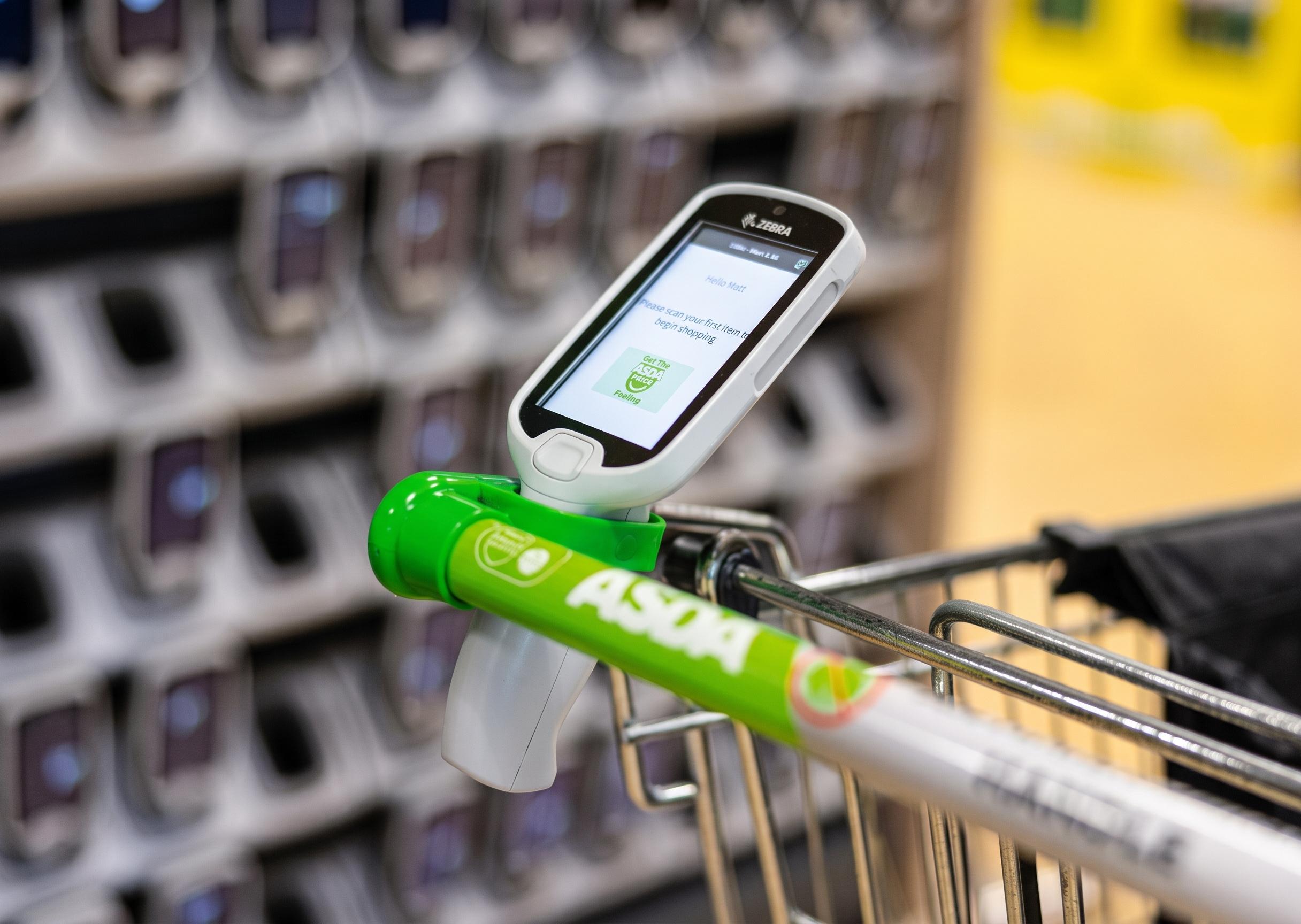
How to Get the Asda Rewards App and Set It Up
The Asda Rewards app is available for free on iPhone and Android phones in the UK. It is the only way to access the scheme, since Asda Rewards only exists in app form with no physical card.
Here is how to get started:
- Search “Asda Rewards” in the App Store or Google Play and check it is the official app from Asda.
- Download the app and install it on your phone.
- Either create a new Asda Rewards account with your email and password, or sign in with existing Asda accounts (Groceries or George) so all shopping is linked in one place. If you are an existing Asda member, your details carry over.
- Find your digital rewards card on the home screen of the app. It shows as a barcode or QR code you can scan in store.
You will need a UK mobile number and an internet connection. The app is regularly updated with new rewards, missions and offers, and you can add your digital card to Apple Wallet or Google Wallet for quicker scanning at checkout.
Understanding Asda Pounds and the Cashpot
When you earn Asda Rewards, you are collecting Asda Pounds into a cashpot balance rather than collecting small points. Asda Pounds are a digital credit shown in pounds and pence. They can only be spent at Asda on eligible purchases and cannot be withdrawn as cash.
The Asda Rewards cashpot is a running total in the app. It goes up when you complete missions, milestone missions, or eligible shops, and goes down when you convert it into vouchers. You can see recent cashpot activity in the app, showing exactly which shop or mission added 50p, £1, £2, and so on. This makes it straightforward to track where your cashpot rewards came from and watch your cashpot grow over time.
The app caps individual voucher conversions at £100 at once. That means it is better to redeem in sensible chunks rather than hoarding a very large balance, especially given the expiry rules covered later.
Main Ways to Earn Asda Pounds When You Shop
There are several ways to earn Asda Pounds through normal grocery shopping, fuel, and special offers, both in store and via online shopping.
- Everyday grocery shopping is the core method. Scan the app every time you visit an Asda supermarket or shop online at Asda.com for weekly shops and top-ups. You earn Asda Rewards on eligible items automatically when your rewards progress is tracked through the linked account.
- Fuel purchases at selected Asda petrol stations let you earn 0.5p per litre of petrol purchased at Asda into your cashpot when you scan the app. In July 2026, Asda also ran a Grocery & Fuel Bonus promotion giving a 5p per litre fuel saving coupon when customers spent £40 or more in a single in-store shop.
- Other eligible areas such as opticians, pharmacy, or seasonal events occasionally link to the rewards app, though availability varies by date and location.
Customers can also earn personalized rewards that change frequently based on shopping habits, so the missions and offers you see may differ from another shopper’s.
Missions: Simple Challenges to Boost Your Cashpot
Missions are time-limited challenges in the Asda Rewards app that let you earn extra Asda Pounds by completing specific shopping tasks. You earn Asda Pounds by completing specific missions, and rewards from missions range from 50p to £5 each.
Typical mission types look like this:
| Mission example | Reward |
|---|---|
| Buy any 10 fruit & veg products | £1.50 |
| Buy 4 participating branded products | £2 |
| Shop at Asda three times in a month | Bonus Asda Pounds |
| Spend £25 on George school uniform | £5 |
Missions clearly show their start and end dates (often around a month) and how much you can earn, so you can decide whether a mission fits your normal basket. Missions are available both in-store and online. To earn from a mission, you must activate it in the app if required and scan your Asda Rewards card at checkout or use your linked online account each time.
A word of caution: treat missions as a way to top up rewards on items you already plan to buy, rather than a reason to overspend. Some missions offer only 50p for a £100 spend, which is poor value if you are buying things you do not need.
Milestone Missions and Special Events
Milestone missions reward total spending over a period, typically a calendar month. They give smaller but regular amounts of Asda Pounds as you hit spending targets. Milestone missions usually offer less than £1 each. For example, reaching a £50 monthly shop total might earn 50p, with further bonuses at £100, £150, and so on.
These milestones reset every month, so scanning the Asda Rewards app on every qualifying Asda shop matters. All your spend counts toward the next milestone when your rewards progress automatically updates in the app.
The Asda Rewards app also includes seasonal promotions with higher-value missions. Bank holiday weekends, back-to-school periods, and the Christmas saver campaign are common times when mission rewards get a short-term boost. In summer 2026, Asda Rewards ran a giveaway of 10,000 free concert tickets accessible through the app. Check the “Missions” or “Earn” tab at the start of each week so you do not miss limited-time offers.
Using the Asda Rewards App Day to Day
The Asda Rewards app is the everyday hub for managing Asda Pounds, checking missions, and planning your next shop. The home screen usually shows your current cashpot balance, any active missions, and quick links to convert Asda Pounds into vouchers. You will also see friendly greetings and a lovely new header design after recent updates, plus handy new action cards that help you find rewards faster.
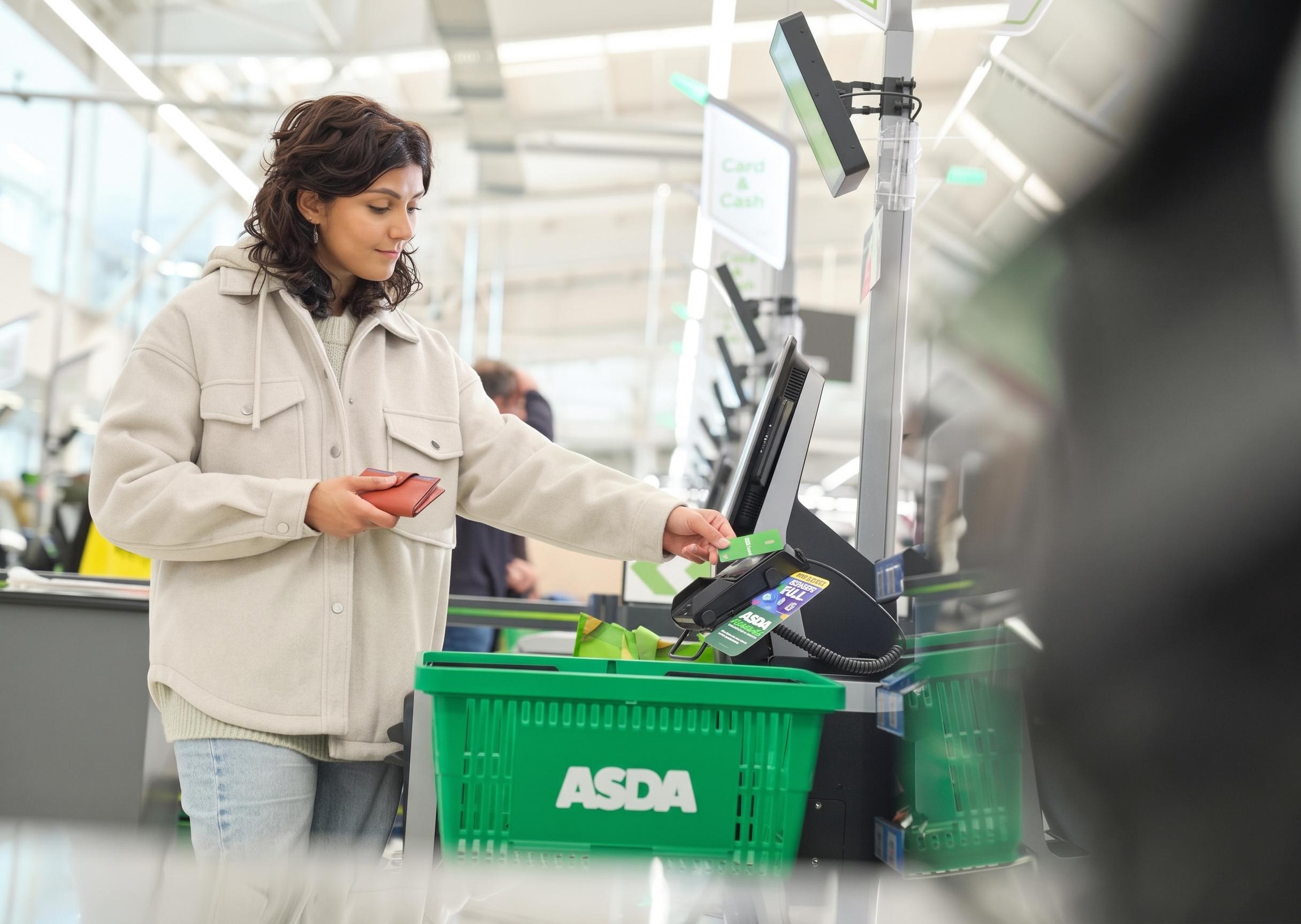
The digital rewards card can be added to Apple Wallet or Google Wallet for quicker scanning at self-checkouts and staffed tills without opening the full app. Get into simple habits: open the app before starting a shop, check active missions, start scanning the card at checkout, and review new rewards after payment.
If your phone battery dies or the app has a few minor visual glitches, some stores can scan the card from a saved screenshot or wallet pass. Test this in advance so you are never caught out. Asda has been making a smoother app journey with smooth animations and a fresh look, though minor visual glitches still appear occasionally and may need a little tune up.
How to Turn Your Cashpot into Vouchers and Spend Them
Asda Pounds in the cashpot are not spent automatically. You need to convert part or all of your balance into Asda Rewards vouchers to get money off at the till. Cashpot rewards can be converted into vouchers for shopping whenever you are ready.
Here is how it works:
- Open the app and tap the “Cashpot” or “Spend” area.
- Choose a voucher amount (£1, £5, £10, or up to £100).
- Confirm to create a digital voucher in your wallet.
In store: At checkout, scan your digital rewards card, then select the voucher in the app so the barcode can be scanned to take money off the final bill. Vouchers round down to the nearest pound when redeemed.
Online shopping: On Asda.com grocery orders, you can select available vouchers at checkout to reduce the total. George.com is usually excluded, so Asda Rewards vouchers cannot be applied there directly in most cases.
Vouchers can only be used at Asda. They cannot be exchanged for cash or used to pay for gift cards, lottery, travel money, or third-party services.
Extra App Perks: Coupons, Clubs and Community Rewards
Beyond the main cashpot, the Asda Rewards app includes extra discounts and initiatives. The app features regular coupons for instant discounts, such as £2 off a £10 spend on specific categories, or percentage discounts on selected ranges. You can redeem coupons for instant discounts at checkout when conditions are met, and these appear alongside smarter coupons and regular coupons in the app wallet. Coupon cards show up in the offers section with clear spending targets.
Optional clubs add more value. The Baby & Toddler Club, for instance, gives 50p in your cashpot every time you spend £5 or more on baby essentials. Star products in the Asda app previously provided additional cash rewards on specific Asda products, though this feature was removed in February 2025.
Community schemes also feature. Some let Asda donate a percentage of a qualifying shop to local schools when you choose one in the app, at no cost to you. Check the “Wallet” or “Offers” sections regularly so you can stack coupons, missions, and milestone missions on the same grocery shopping trip.
Tips to Save the Most with Asda Rewards
Asda Rewards works best alongside normal shopping habits, not as a reason to spend more. Here are practical ways to earn rewards and save regularly:
- Plan bigger, less frequent shopping trips where it makes sense. These line up better with missions and milestone missions than many small top-ups.
- Avoid unnecessary missions. Do not buy brands or items you do not want just to earn a small reward. A 50p reward on £100 of unwanted shopping is a net loss.
- Stack where possible. The program allows stacking with rollback discounts for greater savings. Combine missions, milestone missions, coupons, and any external cashback or gift card deals. Look for exactly which rollback items overlap with your active missions. The iconic rollback prices and instant savings on Asda products can be combined with your cashpot savings and real time savings from coupons.
- Use one account everywhere. Log in to the same account for all online shopping and scan your digital card on every in-store trip. This way, your rewards progress is never lost.
If you are a blue light card holder, check whether your discount stacks with Asda Rewards, as terms vary by promotion.
Expiry Dates, Limits and Things to Watch Out For
Knowing the expiry rules matters. Your cashpot expires six months after earning it. For example, Asda Pounds earned in March disappear at the end of September if not converted. Each voucher created from the cashpot has its own expiry date, currently three months from creation, shown clearly in the app.
Do not hoard large cashpot balances or multiple vouchers. Instead, create and use vouchers each month to avoid missing any expiry date. Asda also caps earnings at £300 worth of Asda Pounds per calendar quarter (Jan-Mar, Apr-Jun, Jul-Sep, Oct-Dec), so very high spenders will hit a ceiling.
Some promotions, missions, or coupons may be available only at selected stores, online, or in specific categories. Always check details in the app before relying on an offer. If you want to know how Asda uses your shopping data for personalised missions and push notifications, review the Asda Rewards terms and conditions and privacy notice in the app settings or your Asda account.
Download the app, set up your account, and start scanning at your next shop. The sooner you begin, the sooner your cashpot grows. You can access instant savings, earn pounds on everyday spending, and convert your cashpot into vouchers whenever you are ready. Play games, check for new rewards, and keep an eye on that home screen for fresh missions.
Frequently Asked Questions
Do I need a physical card for Asda Rewards?
No. There is no physical Asda Rewards card. Everything runs through the Asda Rewards app, which shows a barcode or QR code on your phone screen. You scan this at the till in store and online orders track automatically through your linked account. The app allows users to scan their Asda Rewards card digitally at any participating checkout.
Can I earn and spend Asda Pounds on every type of Asda purchase?
Most grocery shopping in participating stores and on Asda.com earns Asda Pounds. Categories like gift cards, lottery, tobacco, infant formula, and third-party concessions are excluded. Vouchers also cannot be used to pay for these items. Fuel earns rewards only at participating Asda petrol stations, and spend at Asda Express may have different rules.
What happens if I forget to scan the Asda Rewards app at checkout?
If the digital rewards card is not scanned and the shop is not linked to your account, Asda Pounds will not be added to your cashpot and missions will not update. Back-dating rewards is not available, so it is worth making scanning a habit before every payment.
Can I use Asda Rewards when I shop for George clothing?
George purchases in physical Asda stores usually count as part of your normal Asda shop and can earn Asda Pounds. Online George.com orders are separate, so Asda Rewards vouchers cannot normally be applied there.
Is the Asda Rewards app safe to use with my personal data?
The app follows standard UK data protection rules. Asda uses shopping data to personalise missions and offers. You can review or adjust privacy and marketing preferences at any time in the app settings or your Asda account. You control which push notifications you receive and can opt out of marketing communications.
